Beta Version - Special Pricing Available

Draw on anything.
Capture everything.

The screen annotation tool designed for speed and privacy. Instant screenshots, screen recording, and local saving for Mac & Windows.
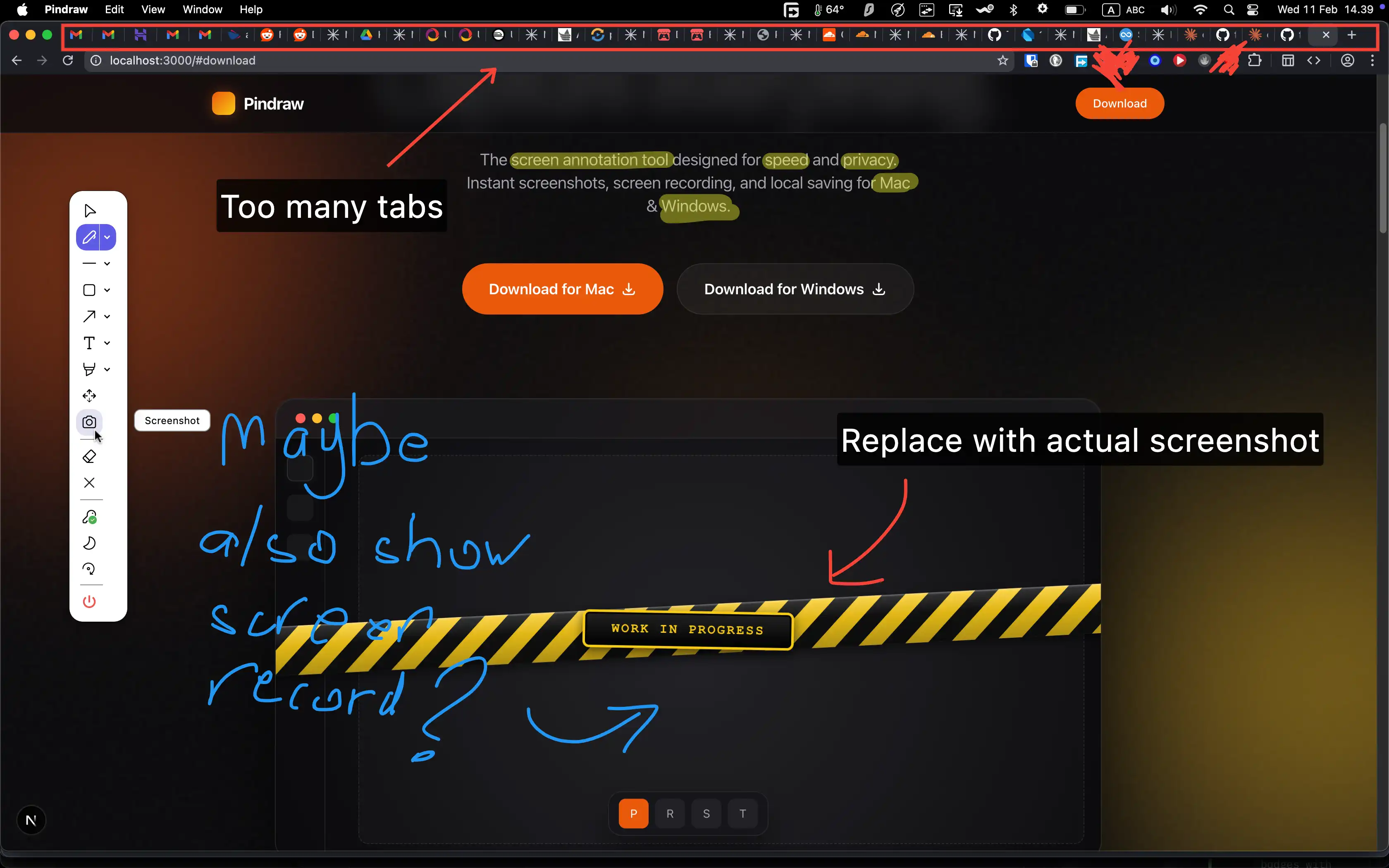
Pindraw Application Screenshot

Simple. Local. Powerful.

Three core features designed to keep you in the flow.

Beta version with special pricing - Lock in lifetime licenses now!
✏️

Precision Annotation

Draw naturally on your screen before you capture. Use the pen, highlighter, or shapes to mark up exactly what you need.
📸

Instant Screenshots

Capture your full screen, a specific window, or a custom region. The file saves instantly to your local folder—no cloud, no waiting.
Shortcut: Cmd+Shift+Opt+2 (Mac) or Ctrl+Shift+Alt+2 (Windows)
⏺️

Local Screen Recording

Record your screen with annotations in real-time. High-quality video is saved directly to your computer for total privacy.
Shortcut: Cmd+Shift+Opt+3 (Mac) or Ctrl+Shift+Alt+3 (Windows). Audio recording coming soon!

Why Do You Need This for Presentations?

Transform how you present, demonstrate, and communicate. Pindraw gives you the tools to create more engaging, interactive presentations that keep your audience focused and help you deliver your message with clarity.

🎯

Highlight Key Points Instantly

Draw attention to important information in real-time. No need to switch between apps or prepare slides in advance—annotate directly on your screen as you present.

Capture Spontaneous Moments

When a great question comes up or you want to save a specific screen state, capture it instantly.
Shortcut: Cmd+Shift+Opt+2 (Mac) or Ctrl+Shift+Alt+2 (Windows). Your annotations are preserved exactly as you drew them.
🎬

Record Interactive Demos

Create engaging presentation recordings with live annotations. Show your process, explain complex workflows, and share professional demos that keep your audience engaged.
Shortcut: Cmd+Shift+Opt+3 (Mac) or Ctrl+Shift+Alt+3 (Windows).
🔒

Keep Everything Local

All your presentation materials stay on your device. No cloud uploads, no privacy concerns. Perfect for sensitive business presentations and confidential information.

Professional Polish

Make your presentations stand out with clean annotations and high-quality recordings. Export professional screenshots and videos that reflect your attention to detail.
🚀

Workflow Integration

Seamlessly integrate into your existing presentation workflow. Works with any application—PowerPoint, Keynote, web browsers, or custom software.

Whether you're presenting to clients, teaching a class, or demonstrating software, Pindraw helps you communicate more effectively with real-time annotations and instant capture capabilities.

Download Now

Simple, Transparent Pricing

Lifetime licenses, pay once and use forever. Choose the tier that matches your device needs.

Beta Version: Special pricing while in beta!

Free

$0/1 device

Perfect for casual users and getting started

  • All screen annotation tools
  • Full screen & window screenshots
  • Custom region screenshots
  • Screen recording (video)
  • Video export (MP4)
  • Local file saving
  • Standard image formats (PNG)
  • Regular feature updates
  • 1 device activation
Get Started

Standard

$12.99-60%
$4.99/1 device

Remove watermarks and use on multiple devices

  • Everything in Free
  • No watermark on screenshots
  • No watermark on recordings
  • 1 device activation
  • Priority support
  • Lifetime license
  • Early access to new features
Purchase

Pro

$25-60%
$10/3 devices

For power users who need more devices

  • Everything in Standard
  • 3 device activations
  • No watermark ever
  • Lifetime license
  • Priority support
  • Early access to beta features
Purchase

Team

$75-60%
$30/10 devices

Best value for teams and organizations

  • Everything in Pro
  • 10 device activations
  • No watermark ever
  • Lifetime license
  • Priority support
  • Contact us for volume discounts
Purchase

Frequently Asked Questions

Everything you need to know about Pindraw.

Simply download Pindraw for your platform (Mac or Windows) from our website. The installation is quick and straightforward, and you'll be ready to start annotating and capturing in minutes.
Yes! Pindraw is completely free to use with all features included. The only difference is that the free version adds a watermark to screenshots and recordings. Upgrade to a paid license to remove the watermark.
Pindraw is currently in beta, so we're offering special discounted pricing. Once we exit beta, prices are expected to be around $12.99 for Standard, $25 for Pro, and $75 for Team (final pricing may vary). Lock in your lifetime license now at these beta prices!
All licenses are lifetime purchases—you pay once and own it forever. Each license tier comes with a specific number of device activations. Simply enter your license key on each device to activate it.
Yes! Your license can be used on both Mac and Windows devices. Each activation uses one device slot from your total allowance (1 for Free, 1 for Standard, 3 for Pro, 10 for Team).
You can manage your activated devices and deactivate old ones from your account. Or upgrade to a higher tier for more device slots.
Yes! All license holders receive free updates as we improve and add new features to Pindraw. Your lifetime license includes all future versions.
Instead of upgrading tiers, you can purchase additional licenses at any time. If you need multiple licenses, contact us at pindrawapp@gmail.com for volume discounts and we'll help you get the best deal for your needs.
We accept all major credit cards and debit cards. Payment processing is handled securely through our payment provider.
For any questions, bug reports, or support needs, email us at pindrawapp@gmail.com. We're happy to help!
We offer a 30-day money-back guarantee. If you're not satisfied with Pindraw for any reason, contact us within 30 days of purchase for a full refund.
No. Pindraw is designed with privacy in mind. All screenshots and recordings are saved locally to your computer. We don't upload or store any of your content.
Screenshots are saved as PNG. Screen recordings are saved as MP4. All files are saved in standard formats for maximum compatibility.
Audio recording support is on the works! You'll be able to record system audio, microphone input, or both simultaneously.

Available On